E-mail: touchtec@sztouchtec.com


Looking for more information about other products like Touch Screen Computer Monitor, welcome to continue to follow our website.
For the owner of the tablet, the daily maintenance of the tablet is also very important. It is especially important to use the tablet correctly and make the daily maintenance of each component.
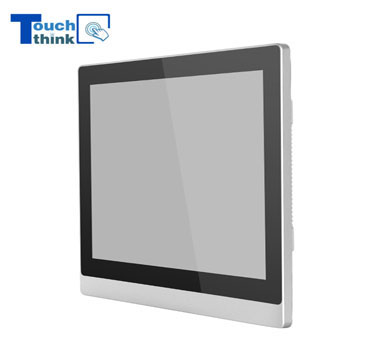
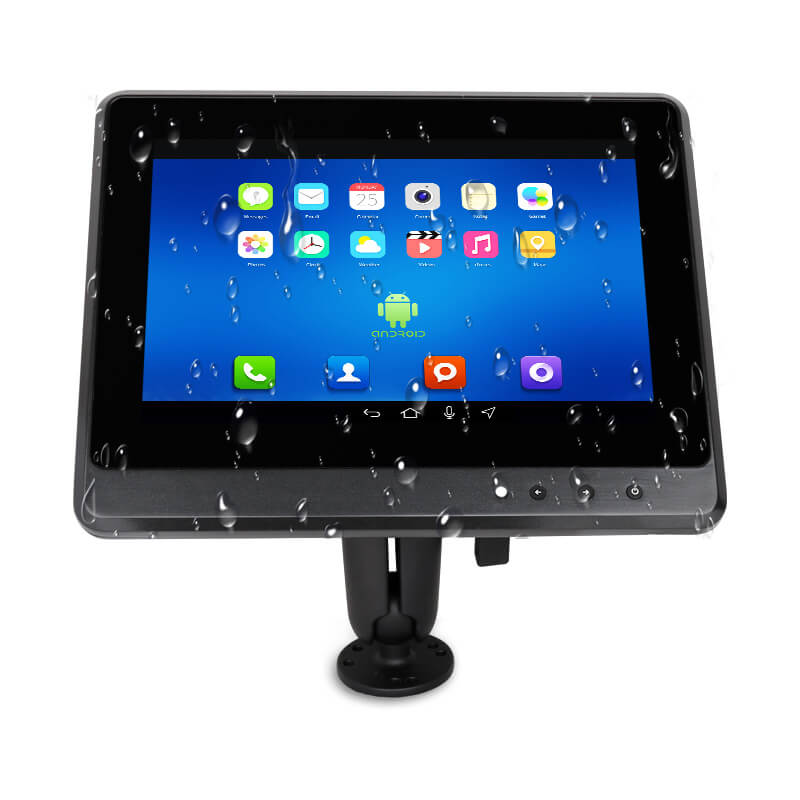
Touch Screen Panel PC
1.Tthe maintenance of the display
Once the screen of Touch Screen Panel PC is destroyed, it needs to be replaced again, and the price is relatively expensive. The maintenance of the secondary display is particularly important.
(1) Do not touch the surface of the screen with sharp objects or hard objects to avoid scratching. Protect the screen by applying a protective film.
(2) When the computer is not used for a long time, you can temporarily turn off the power of the LCD screen through the function keys to extend the life of the screen.
(3) Do not wipe the screen with a chemical cleaner. It is recommended to buy a special wiper for the LCD screen to clean your screen.
(4) Do not use your fingers to remove fingerprints, and please wipe gently.
2.Battery maintenance
There are many claims about battery maintenance on tablets. The following tips for curing these batteries will help you develop good charging habits.
(1) Do not charge the battery for too long, if the charging timeout will reduce the battery life.
(2) When there is no external power supply, if the external working equipment is temporarily unavailable, it is recommended to remove the external equipment to extend the battery life.
(3) It is recommended to perform battery power calibration on average three months.
(4) When using the tablet in a stable voltage environment, when the battery power is full, the charging circuit in the battery will be automatically turned off, and there will be no overcharging. If it is full, do not play the phone while charging.
3.Other aspects of maintenance considerations
(1) Heat dissipation
Do not place the tablet on a soft item, such as a bed or a sofa. This will block the cooling holes and affect the heat dissipation effect, resulting in reduced performance and even crashes.
(2) Anti-moisture
Tablet PCs are not suitable for long-term placement in damp places. When they are exposed to moisture for a long time, they will run slowly and the tablet will be scrapped.
(3) Body cleaning
When the body is accumulating more dust, you can use a soft small brush to clean the gap, or use a palm-type vacuum cleaner to clean the dust in the gap.
If you are looking for more information about the products, feel free to contact us, who is a professional Flat Panel Display Manufacturer.
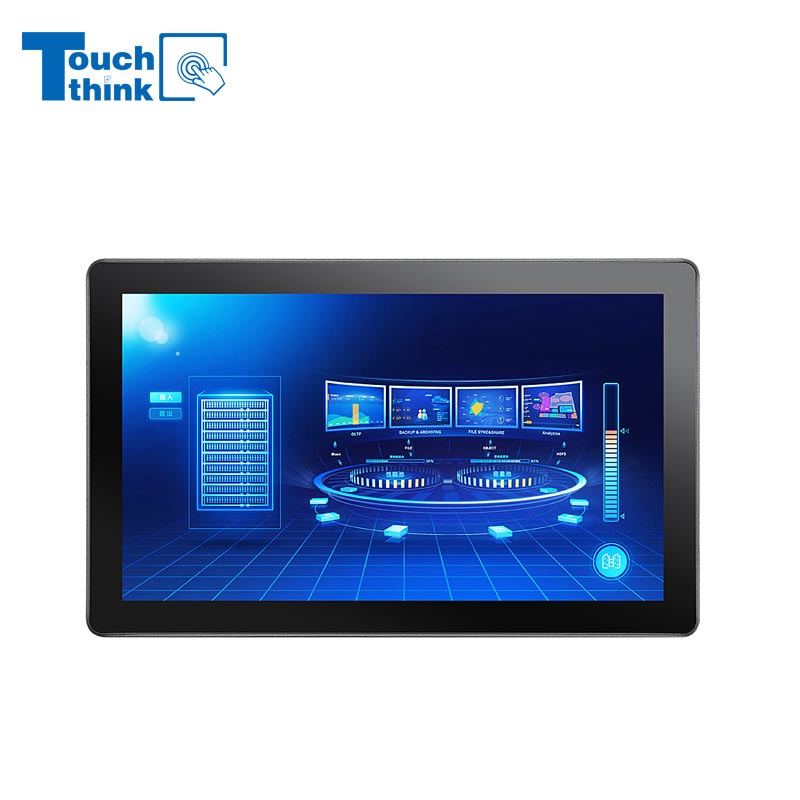
7 inch to 32 inch Options Rear Mount Wide Temperature 24/7 Operation Industrial LCD Monitor VIEW MORE
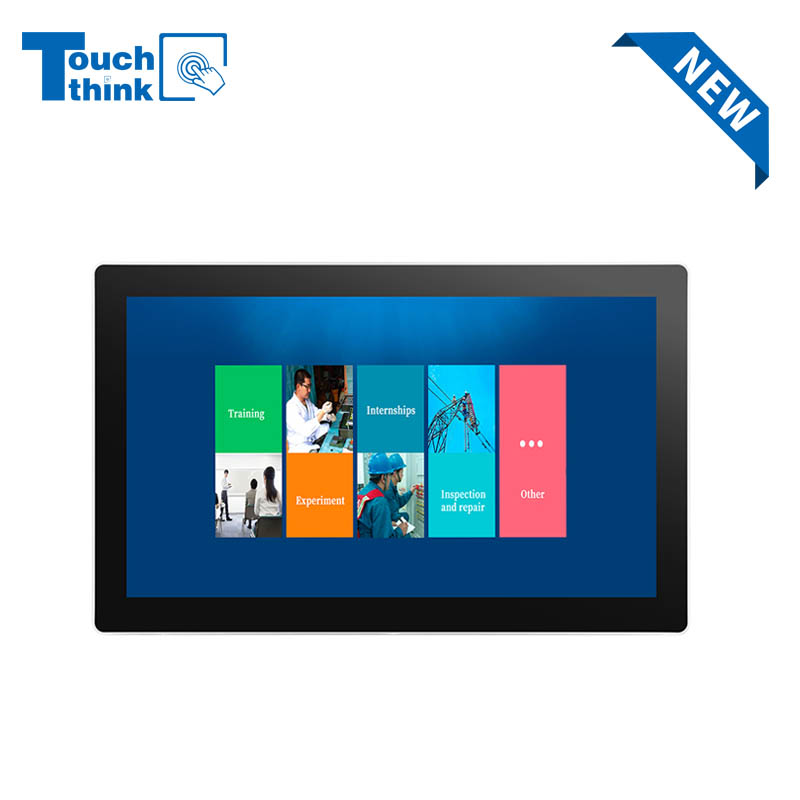
IP65 Wall-Mounted Industrial Touch Screen Monitor | Waterproof HMI Display VIEW MORE
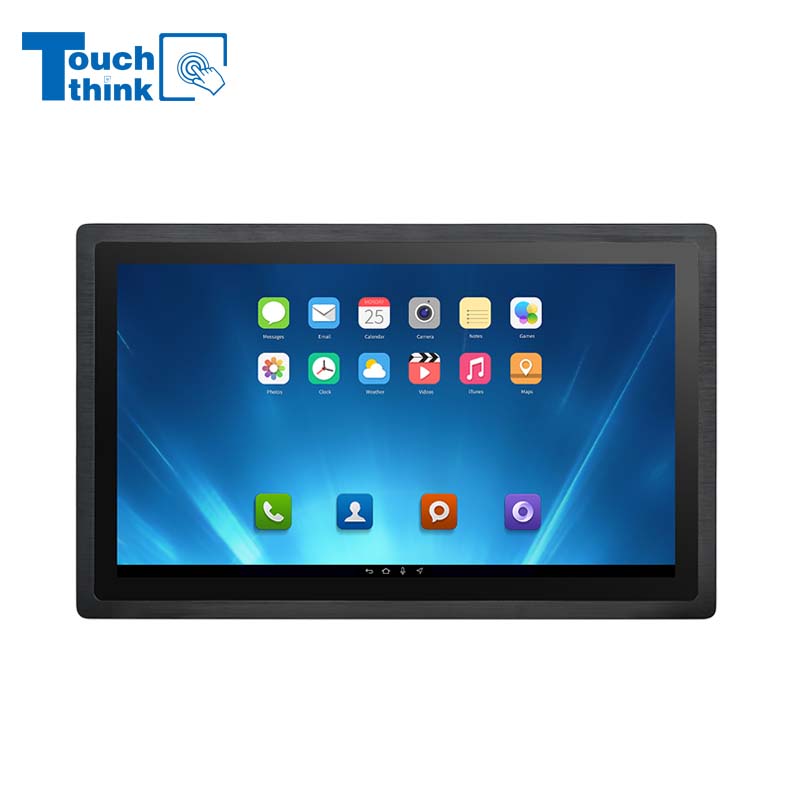
23.8 Inch Industrial Panel PC, Slim Ultra-Thin Design, Multiple I/O Ports, Rugged Touch Computer for IIoT VIEW MORE
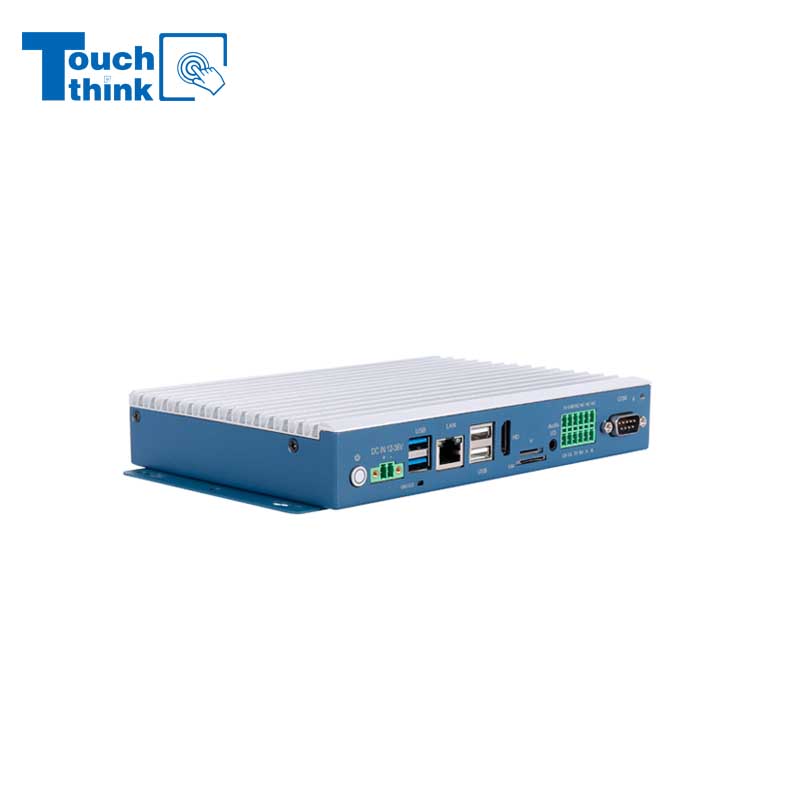
Embedded Fanless Computer ARM Cortex-A55 Quad-Core 64-bit Computers with 1TOPS NPU and Wi-Fi 6 Capabilities VIEW MORE
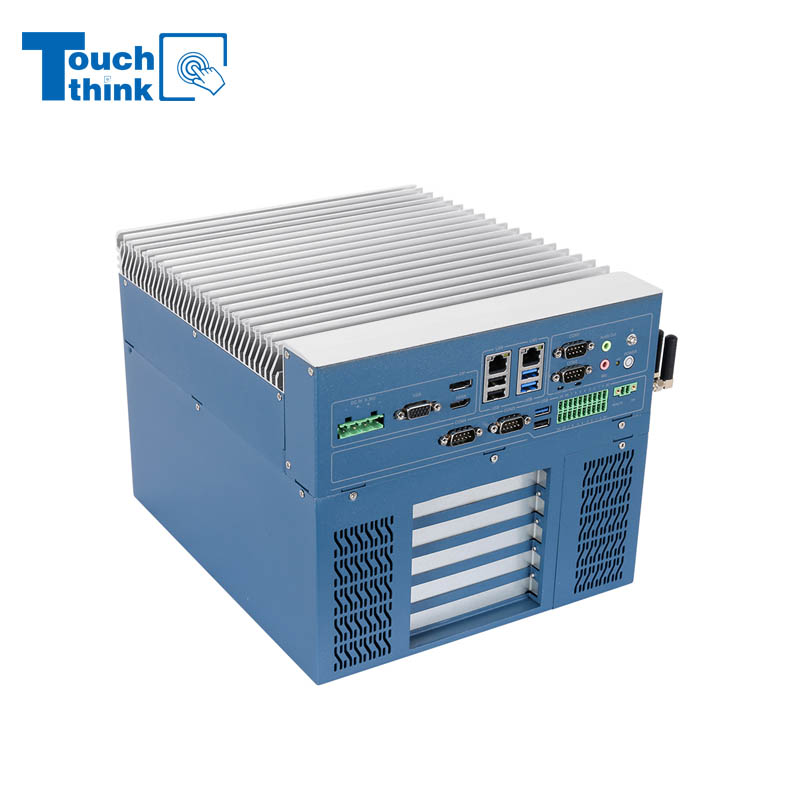
High Expandability Industrial Embedded PC with Expansion Slots PCIex16 PCIex4 9 to 36V Input VIEW MORE
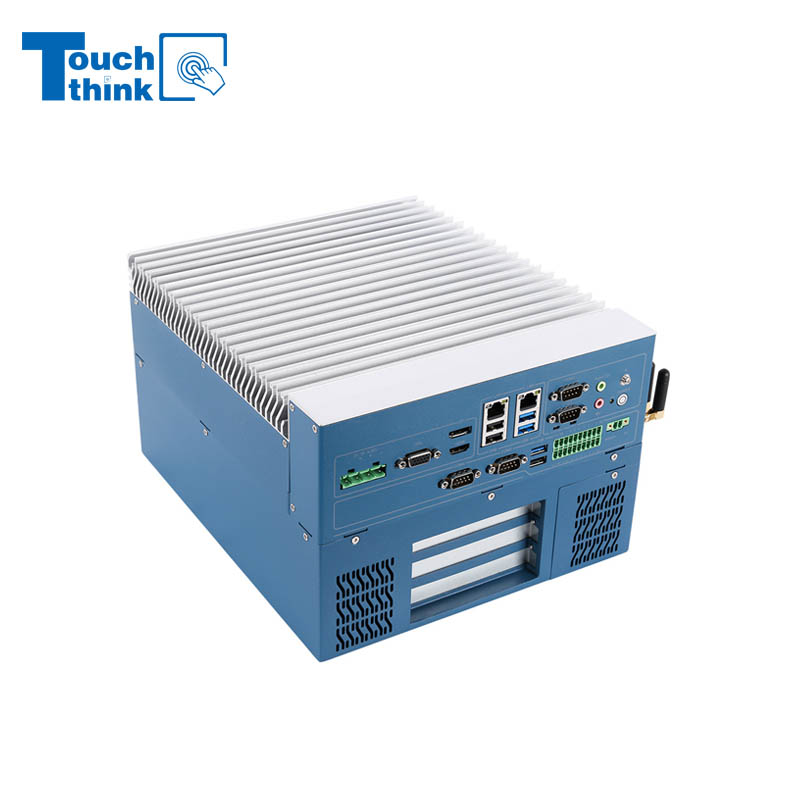
Modular Embedded Computer with Intel® Core 12/13/14th-Gen Processor 2.5GbE LAN VIEW MORE
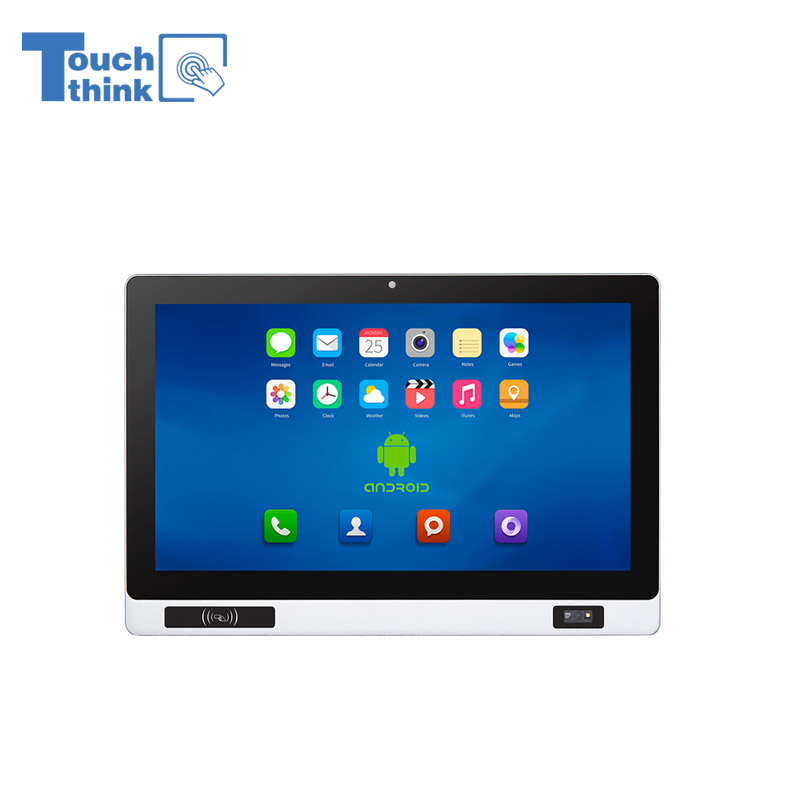
Industrial Panel PC with NFC and QR Code Scanning Functions for Smart Factory VIEW MORE
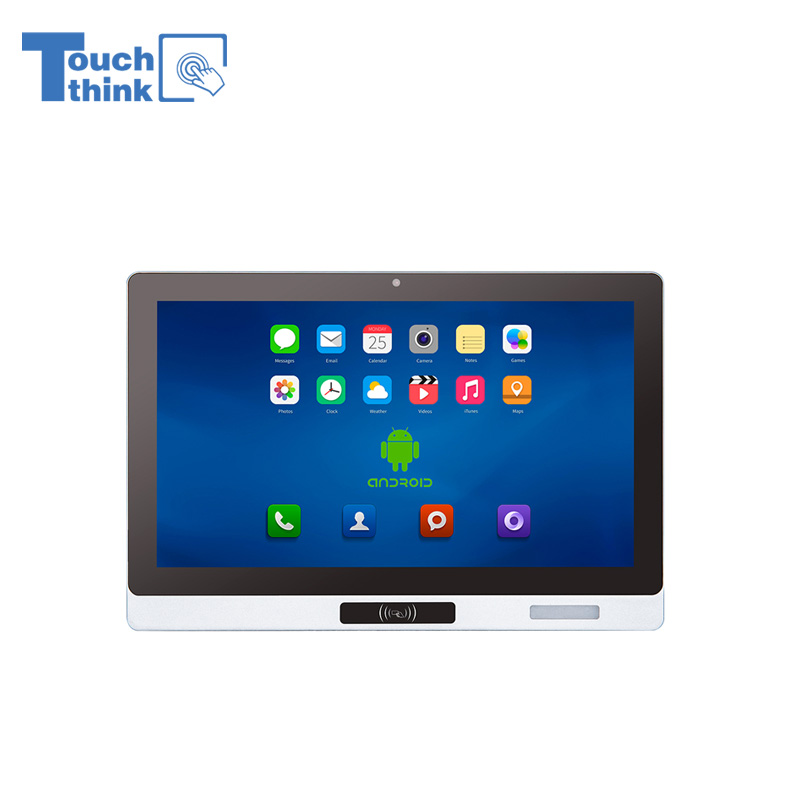
All-in-One Android Panel PCs with NFC/Camera For MES System in Digital Factory 24/7 Use VIEW MORE
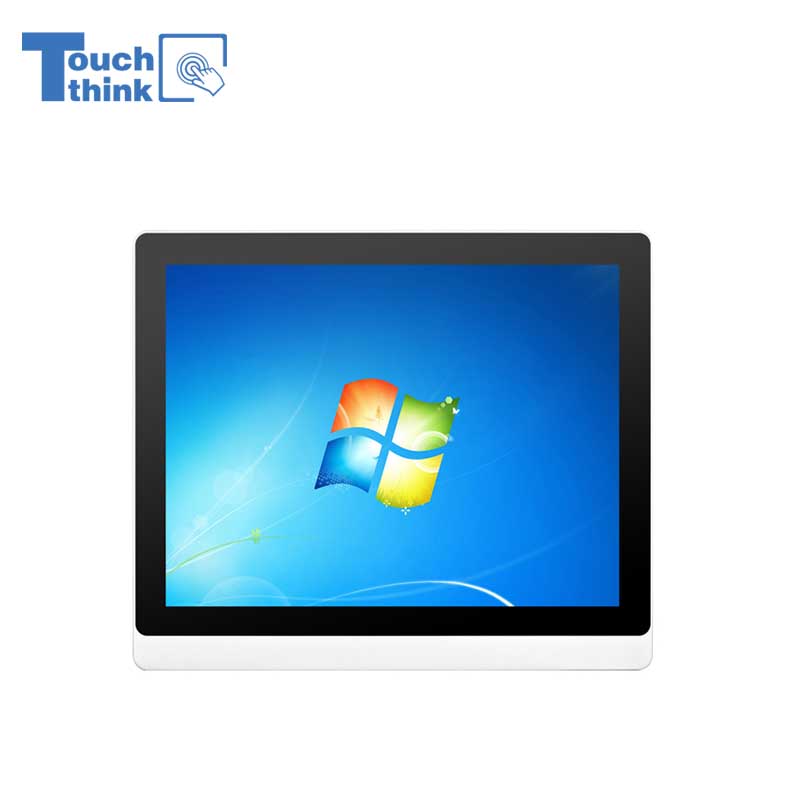
VESA Mount Industrial Touch Panel PC with i3 i5 i7 Processor Desktop Computer 8GB DDR4 128GB SSD VIEW MORE
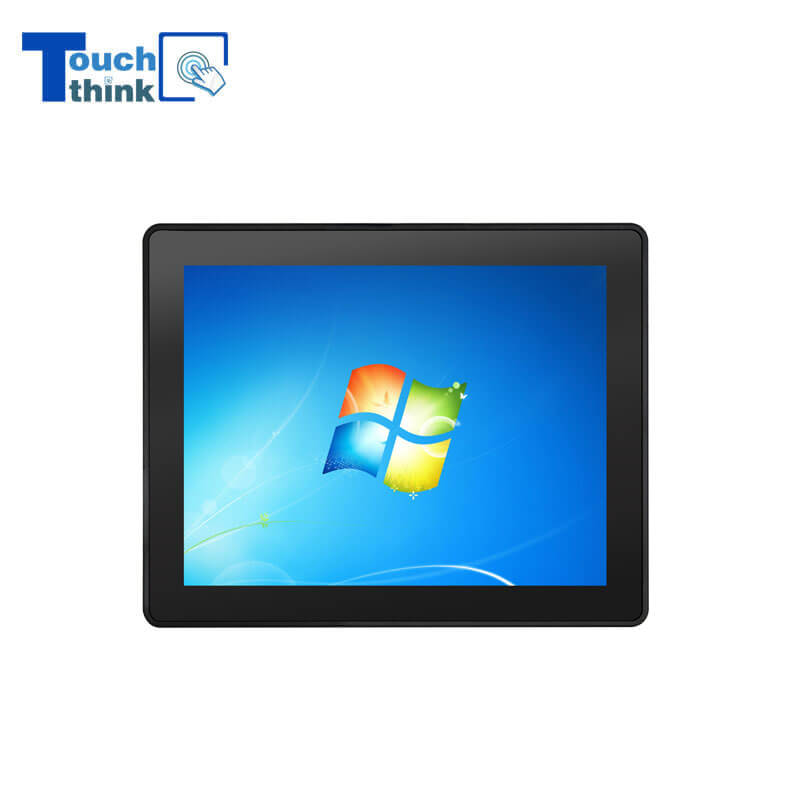
Rugged IP65 Industrial Touchscreen Computer Industrial HMI Panel PC VIEW MORE
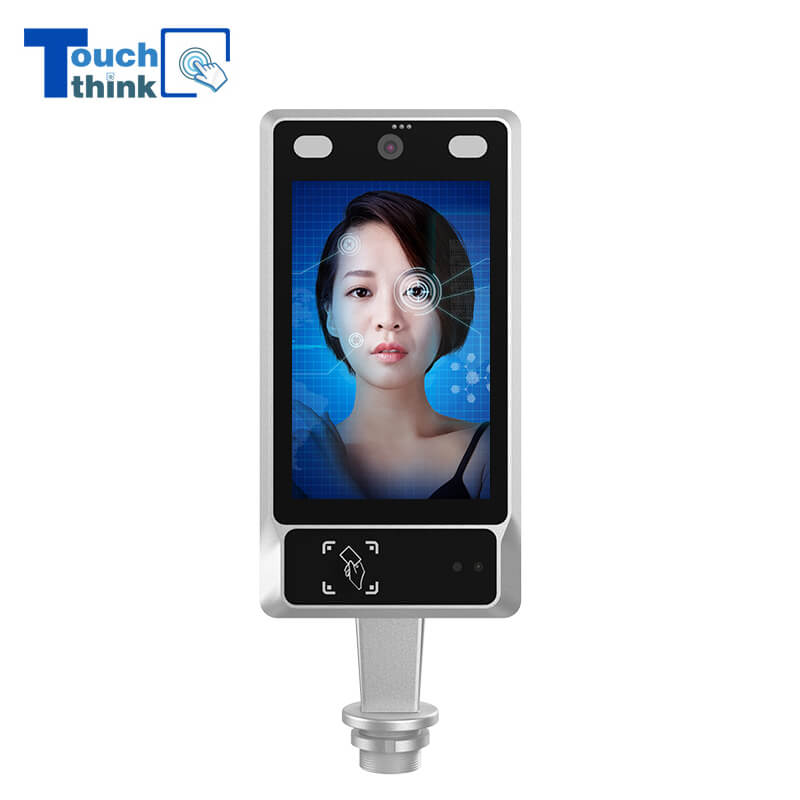
8 inch Facial Recognition Terminal For Turnstile Access Control VIEW MORE
Android In-Vehicle Industrial Panel PC Vehicle AGV Computer VIEW MORE

Copyright © Shenzhen Touch Think Intelligence Co.,Ltd. All Rights Reserved Update cookies preferences